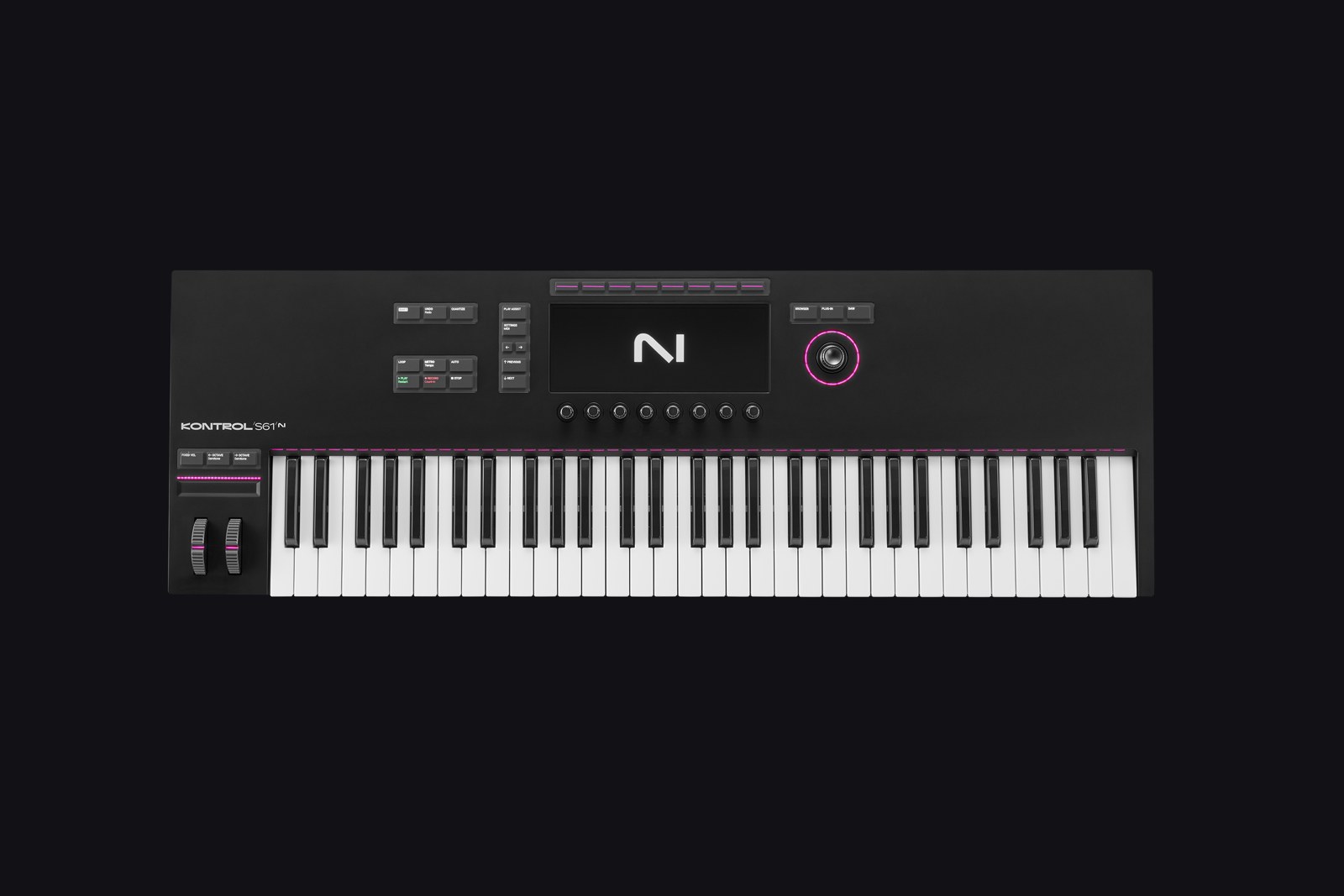
Hey there gear mortals, Alex Nasla here! Native Instruments has finally refreshed its flagship keyboard controller, and today I’m checking out the Native Instruments Kontrol S61 MK3, a 61-key semi-weighted controller that lists for $849 in the US. If you’re wondering about the name, this is the successor to the Komplete Kontrol S61 MK2. NI dropped “Komplete” from the hardware name, and Komplete Kontrol is now just the software the keyboard works with.
For those of you who aren’t familiar, Native Instruments is the company behind Kontakt and the Komplete collection, so this keyboard is built around their ecosystem. The MK2 is the keyboard I came from, and the MK3 has been my main keyboard since I got it, so the question I care about is probably the same one you’re asking: is the MK3 worth the upgrade? The short version is that the hardware is a big step forward, the software integration is excellent, and there is one big catch in MIDI mode. Let’s dive right in, shall we?
UPDATE (October 2026): NI has added on-device MIDI templates and several other features since I wrote this review, and they change my take on MIDI mode. Everything below is my original review as written in February 2024. Jump to the UPDATE section for what has changed.
What’s Actually New
Here’s what NI says is new on the S-Series MK3:
- Keybed: a Fatar keybed with polyphonic aftertouch as standard. The S61 has 61 semi-weighted keys.
- Screen: one full-color glass display, in place of the MK2’s two screens.
- Wheels: “metal-touch” pitch and modulation wheels with illumination.
- Light Guide: a redesigned Light Guide with a light above each key, plus Smart Play features like scale and chord modes.
- Connections: bus-powered USB-C, MIDI in and out, and four assignable pedal inputs.
- Software: a direct connection to Kontakt and a redesigned version of NKS, NI’s standard for mapping instruments and effects to the keyboard.
The Keybed
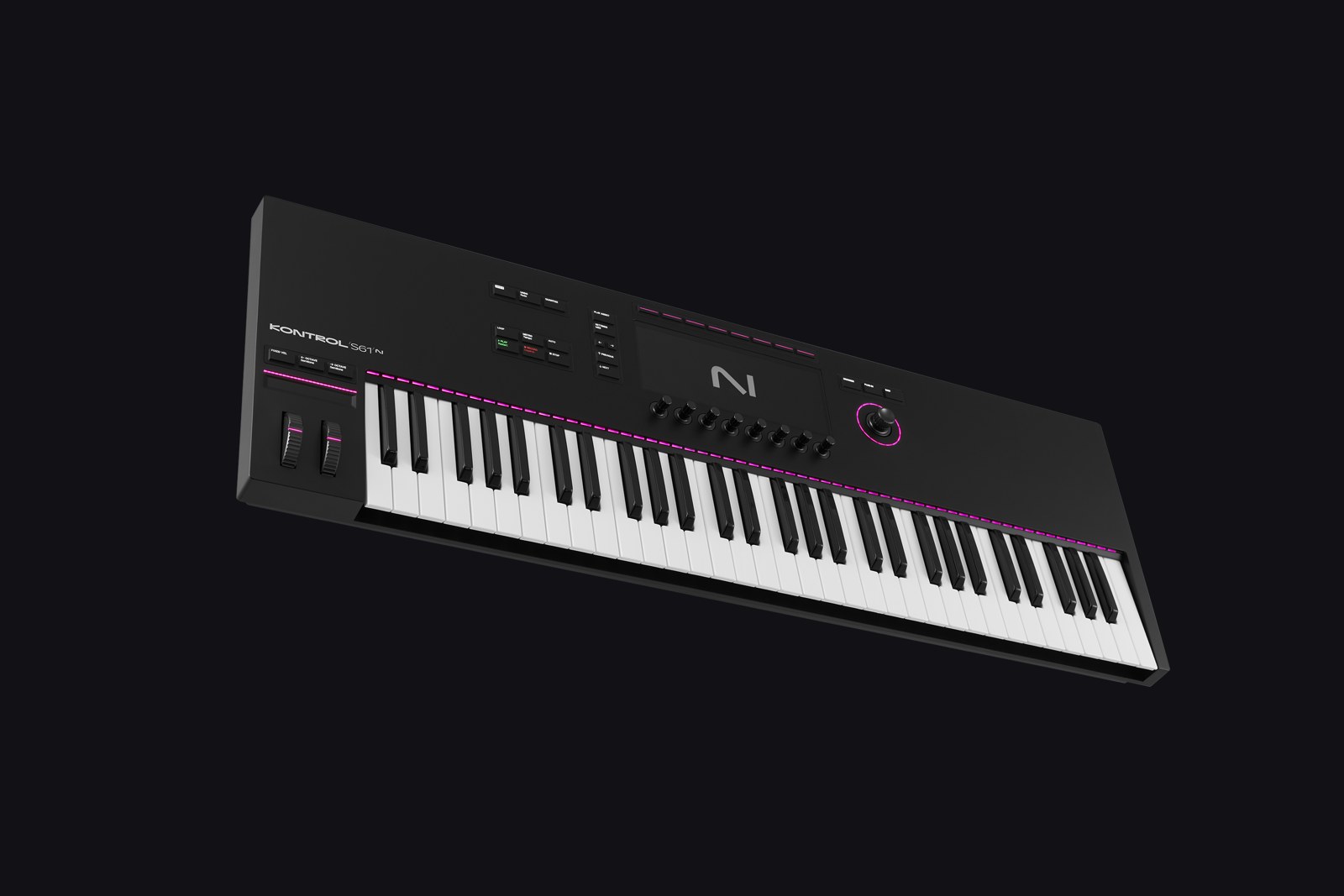
The heart of any keyboard controller is its keybed, and this one is easily the best of any MIDI controller I have ever used. I already liked the MK2’s keybed, but the difference is noticeable. I can’t explain why. But I just play better on this thing. It’s slight, but I can play more accurately on this one compared to the MK2 and certainly compared to most other MIDI controllers out there.
That being said, I still slightly prefer my Kronos. But the MK3 is good enough that I never have to think about it, and that’s the best compliment I can give a keybed. You stop thinking about the keys and just play.
The headline feature NI is pushing here is polyphonic aftertouch, which lets every key send its own pressure data. I use it sometimes. It’s cool and I like that it’s there, but for me it’s not a big deal.

Wheels and Controls
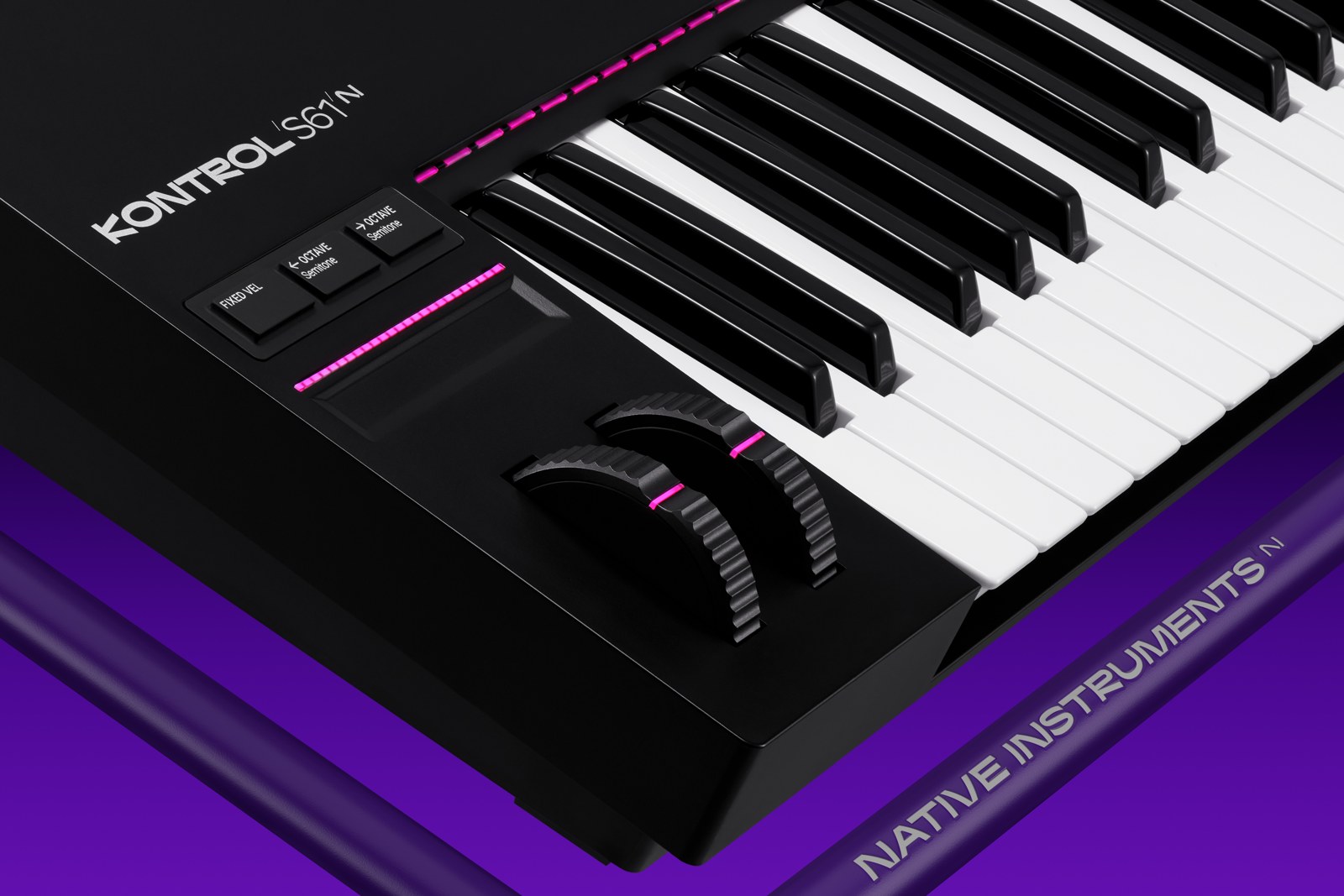
Attention to detail is evident in the redesigned pitch and modulation wheels. NI calls them “metal-touch” and they light up. They are probably some of the best wheels I have used on any keyboard to date. They feel solid, and the thickness and size are just right. Compared to the somewhat stiff, less responsive feel of the MK2’s wheels, it’s a nice upgrade.
The only thing I’d point out is that the dead zone in the center of the pitch wheel seems a little bigger than usual. It’s not a huge deal. The eight encoders under the screen are touch sensitive and made of anodized aluminum, according to NI.
The touch strip and the 4D encoder are both fine, and I don’t have strong opinions on either one. Smart Play, NI’s scale and chord tools, is the same story. It’s fine, and I don’t have a strong opinion on it.
The Screen, Kontakt and Software
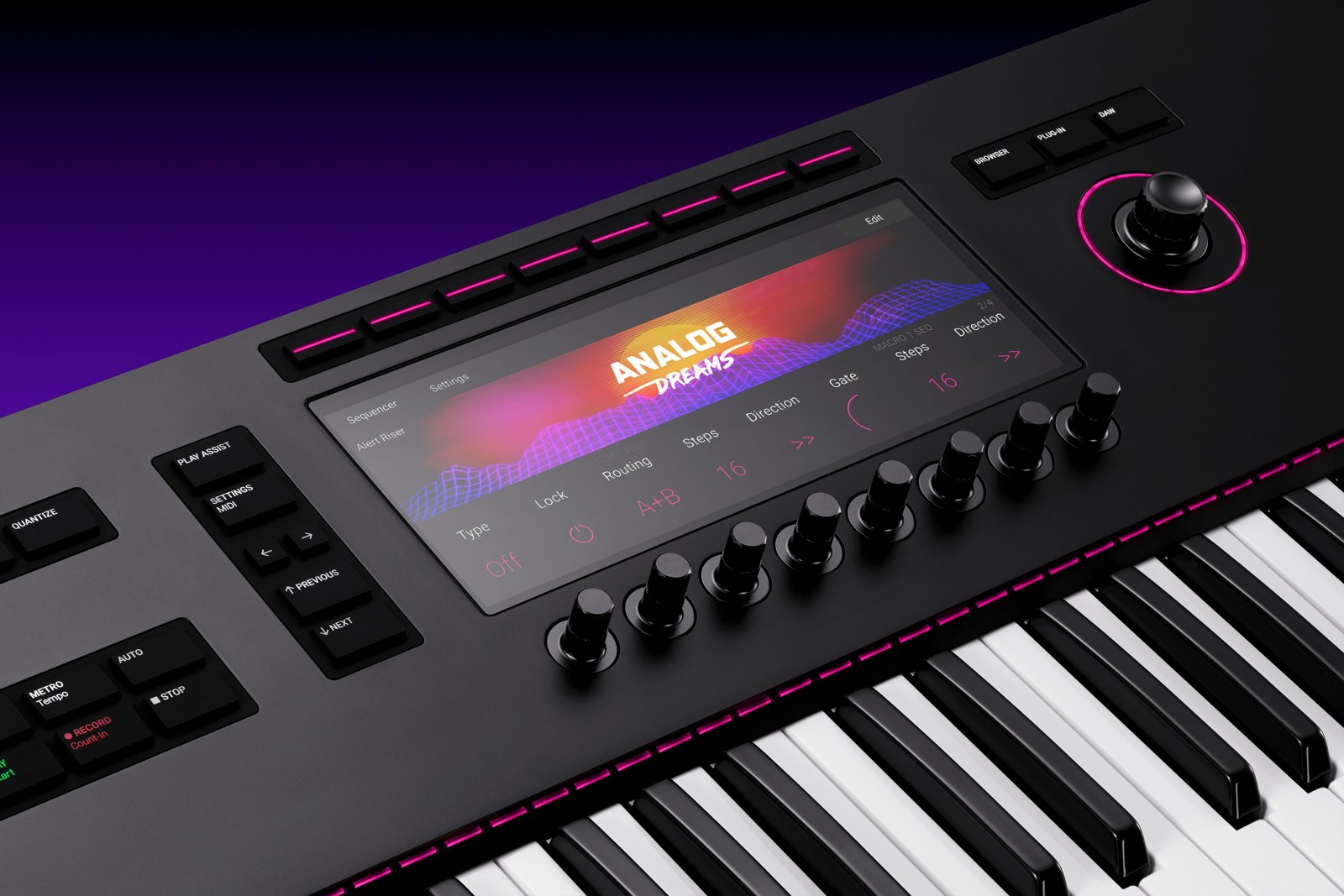
Instead of the two smaller screens on the MK2, the MK3 now has one big high-resolution screen. I think this is a much better way to go about it. I never liked the two smaller screens on my MK2, and with one bigger screen you can see and do much more.
Integration with Native Instruments software like Kontakt is really impressive. Komplete Kontrol is still the hub for browsing and controlling your sounds, and the strong NKS integration makes using NKS-enabled plugins much quicker and easier. Using Kontakt libraries is just so much nicer and easier on the keyboard than it is on your computer.
I like the Light Guide too, but I mostly use it with NKS libraries to see what and where the playable notes and key switches are.
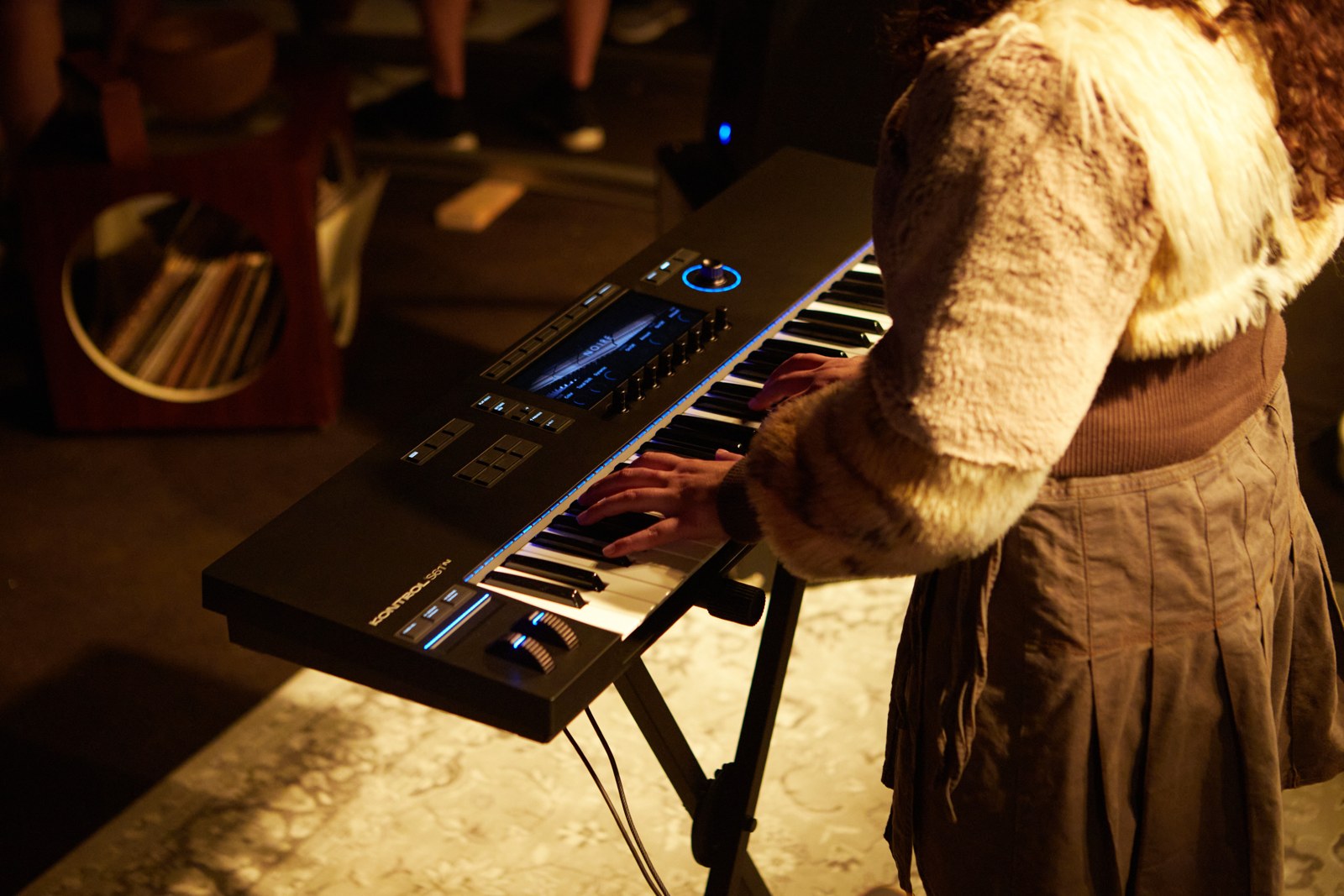
As for DAWs, I use Cubase and Logic Pro, and the integration with both is great. The keyboard moves faders, starts and stops recording, and so on, so you can keep your eyes and hands on the keyboard and off the mouse.
Build, Size and Connectivity
Beyond the keybed and wheels, the MK3 has a robust build quality and a thoughtful design. NI lists the S61 at about 6 kg and 967 mm wide, so it’s a proper full-size 61 key keyboard. For connections you get USB-C, MIDI in and out, and four pedal inputs that NI says are assignable, with sustain and expression as the defaults.
I do like that they moved to USB-C instead of the outdated USB-B port. Makes it much easier to find a cable that works with the keyboard in case you lose the one that comes with it. And in my opinion the MK3 looks even better than the MK2 did.
The Quirks You Should Know About
MIDI mode. This is the big one, and it’s one of the main issues I have with the MK3. As of this writing, you basically have no control over any MIDI parameters outside of what ships by default with the keyboard. You can’t assign them and you can’t rename them. This is a notable step backwards compared to the MK2. On the MK2 you could change and assign MIDI parameters to any knob or button, and rename them too, so a knob could simply say “Pan”. On the MK2 that was done in the Komplete Kontrol software on your computer. You can’t do any of it on the MK3.
That matters when you’re controlling a virtual instrument or an external synth and you have no way of knowing what a given control is actually doing. If you mostly stay inside NI’s software you’ll never notice. If you use plugins outside of NI’s own, or hardware synths and modules, you will. I’m hopeful NI addresses this in a future update, but I can only review what’s here today.
Cubase and other controllers. In Cubase there seems to be a bug or conflict between the Kontrol and other MIDI controllers. In my setup, with my Softube Console 1 connected as well, my CPU usage spikes to the point of audio dropouts whenever I record-enable a MIDI track that has All MIDI Inputs turned on for that track. I can’t tell you whether the Kontrol, Cubase or the other controller is at fault, and it may be specific to my setup. What I’d try, and this is a suggestion based on how it behaves for me rather than a verified fix, is setting that track’s MIDI input to a specific port instead of All MIDI Inputs. If you run more than one controller in Cubase, keep an eye out for it. Everything else about the Cubase integration has been great.
UPDATE: What Has Changed Since Launch
UPDATE (October 2026): The MIDI mode complaint in this review no longer applies. Native Instruments has fixed it, and then some.
In August 2024, firmware 1.7.6 added MIDI templates. You can now create, rename, duplicate and delete templates right on the keyboard, with no computer needed. For every button and knob you can set a name, a type (control change, program change, and notes for buttons), a MIDI channel from 1 to 16, and the number it sends. Knobs can be absolute or relative, and buttons can toggle, gate, trigger or step through values. A template can hold up to 16 pages of eight knobs and eight buttons. Pedals, wheels, the touch strip and keyzones are saved in the template too, and changes save instantly. You can import and export templates through the NI software on your computer.
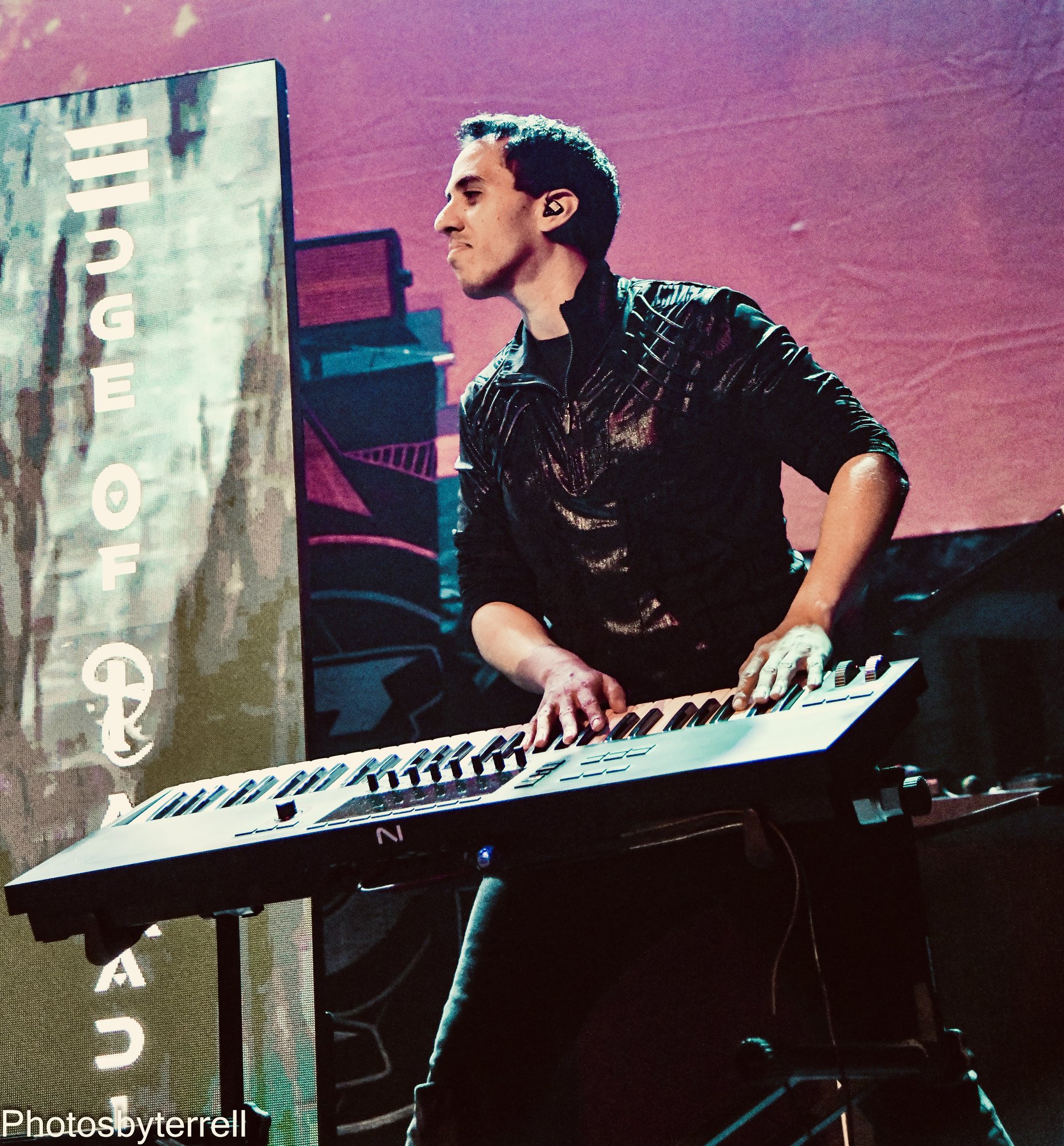
I use it live with my band Edge of Paradise, and I used it on our last North America and European tours. I map my most-used parameters in my synths and plugins to the knobs: cutoff, resonance, attack, release, decay and portamento amount. The buttons switch to the sounds I always use, and they also move up and down the setlist on my computer. So the thing I said you couldn’t do on the MK3 is now a big part of how I use it on stage.
Other changes since I wrote this:
- September 2024: Play Assist scales and chords run on the keyboard itself, so they work with any plugin or hardware synth.
- April 2025: an on-device arpeggiator and note repeat, plus sending MIDI over USB and the 5-pin port at the same time.
- August 2025: firmware 2.0 lets you control any plugin from the keyboard, not just NKS ones, in Cubase, Logic and other supported DAWs, and adds a voice feedback mode for blind and visually impaired users.
- May 2026: firmware 2.1.2 adds MIDI 2.0 high-resolution control.
The bundle is now Komplete Select instead of Komplete 14 Select, and the S61 still sells for $849 at most US stores I checked.
One wish: I wish the Light Guide could do splits based on the splits I have loaded in MainStage or VST Live. That’s a wishlist item, not a complaint.
Cubase: the CPU spike I described with All MIDI Inputs and my Softube Console 1 still happens for me. Steinberg’s manual does say to deactivate “In All MIDI Inputs” for MIDI ports used by remote control devices, which may be worth trying if you run more than one controller. I can’t promise it fixes this.
My updated verdict: the Kontrol S61 MK3 is still my favorite keyboard and my main keyboard of choice, both live and in the studio.
Comparison with the MK2
When juxtaposed with the MK2, the MK3’s hardware advantages are undeniable. You get one big screen instead of two small ones, a keybed I play better on, better wheels, polyphonic aftertouch if you want it, and USB-C. The one area where the MK3 goes backwards is MIDI customization, which the MK2 did and the MK3 currently doesn’t.
Pricing and Value
The Kontrol S61 MK3 launched at $849 in the US. The S49 is $749 and the S88 is $1,299. According to NI, it comes with Komplete 14 Select and the Komplete Kontrol software, plus Hypha with polyphonic aftertouch presets, iZotope Elements Suite, Ableton Live Lite, Guitar Rig 7 LE, and more.
The Verdict
The Kontrol S61 MK3 is the best controller I have used, and the improvements in the hardware, particularly the keybed and the wheels, are a real step forward. If you mostly use Kontakt and other Native Instruments software, then this is a no-brainer upgrade in my opinion.
But if you are like me, and use a wide variety of software and hardware outside of Native Instruments, you are likely going to want to hold off and stick with the MK2 until NI can update the MK3 with better MIDI functionality. Let me know in the comments what you think, Gear Mortals.
UPDATE: The advice above to hold off and stick with the MK2 is out of date. NI has since added the MIDI functionality I was waiting for, and the S61 MK3 is still my main keyboard. See the UPDATE section above.