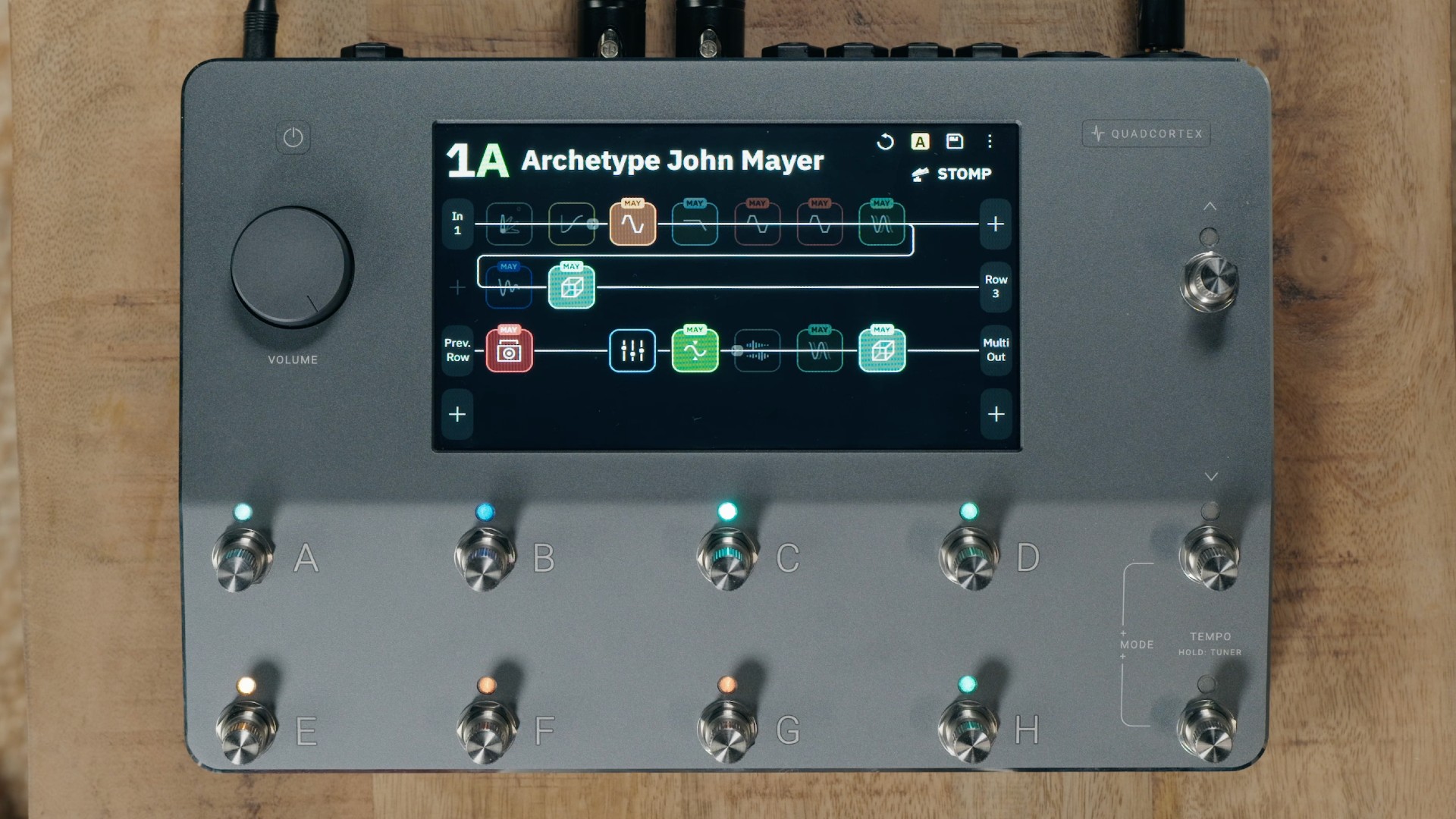
How versatile is the Neural DSP Quad Cortex? Extremely, or at least that’s the conclusion anyone would draw after watching Sungazer guitarist Joshua De La Victoria rip through “Hot Saturn”. It also made me realize that maybe I suck at guitar, but that’s a whole separate thing.
You can also grab Sungazer’s new record Against the Fall of Night right here.
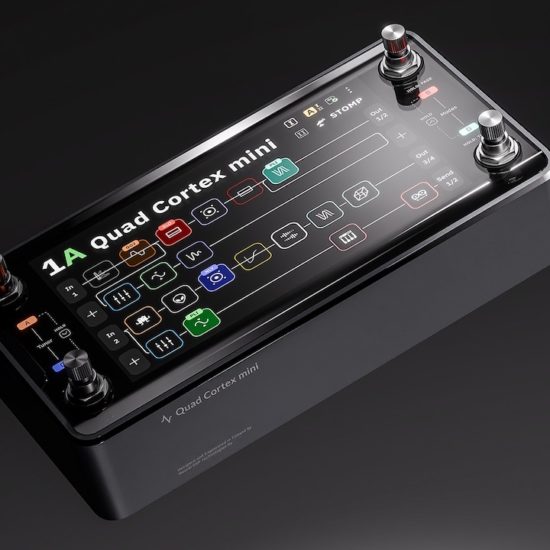
As for the Quad Cortex, Neural DSP officially released CorOS 4.0.0 and Cortex Control 4.0.0 earlier this year. Headlining the release is full support for the new Quad Cortex mini, alongside new virtual devices, workflow enhancements, expanded customization options, and a host of bug fixes.
For the first time, Quad Cortex and Quad Cortex mini now run the exact same version of CorOS and Cortex Control, ensuring both devices receive feature updates simultaneously and remain fully compatible with one another.
Full Quad Cortex mini Integration
CorOS 4.0.0 automatically detects whether it’s running on a Quad Cortex or Quad Cortex mini, adapting its interface and feature set to match the connected hardware. Likewise, Cortex Control now adjusts its layout based on the device in use, creating a seamless editing experience regardless of which Cortex model is connected.
New Workflow Improvements
Several quality-of-life upgrades make navigating the Cortex ecosystem faster than ever. Users can now assign a custom device name directly from the Device Information menu. That name, along with the hardware type, appears in the upper-left corner of Cortex Control, making it easier to distinguish between multiple units.
A new Hold Timing option allows players to adjust how long a footswitch must be held before triggering its HOLD function, with settings ranging from 500ms to 1000ms.
Neural DSP has also introduced Gig View Footswitch Access, allowing performers to enter Gig View without touching the screen. On the Quad Cortex, holding BANK DOWN + TEMPO activates the feature, while Quad Cortex mini users simply hold Footswitch A.
Faster Scene Navigation
Changing scenes is now considerably quicker thanks to a new Scenes dropdown menu.
Tapping the Scene indicator at the top of the Grid or Gig View opens a complete list of available Scenes within the current preset, allowing instant selection without cycling through modes.
Quad Cortex mini users also gain an exclusive Opposite Page Preview inside Gig View. When one page is active, the assignments from the opposite page are displayed above or below each footswitch, giving performers additional context without switching pages.
Four New Virtual Devices
CorOS 4.0.0 expands the Quad Cortex effects library with four new virtual devices. The first three are reverbs, the last is a utility thing:
- Nordic Concert Hall (ST) — inspired by the Concert Hall algorithm from Valhalla VintageVerb.
- Studio Plate 70 (ST) — based on the iconic Rich Plate programs from the Lexicon PCM70.
- Blossom (ST) — inspired by the Bloom mode found in the Strymon BigSky.
- Phase Doctor — modeled after the Little Labs IBP Phase Alignment Tool for precise phase correction and alignment.